

Integrate with the Suki Dictation SDK to get Suki’s ACI capabilities for medical Dictation in a headed JavaScript and React SDK, use Dictation APIs and transcript callbacks, and build In-field or Scratchpad voice input into notes and forms.
Get started
Confirm requirements, install the SDK, authenticate, and run your first Dictation session.Introduction
Learn how the Dictation SDK works and when to use it in your application.
Prerequisites
Confirm Partner credentials and setup requirements before you install.
Install the SDK
Install the JavaScript or React Dictation packages.
Authenticate
Learn how SukiAuthManager authenticates Dictation SDK sessions.
Run Your First Session
Initialize, authenticate, and start a Dictation session end to end.
Choose a Dictation experience (modes)
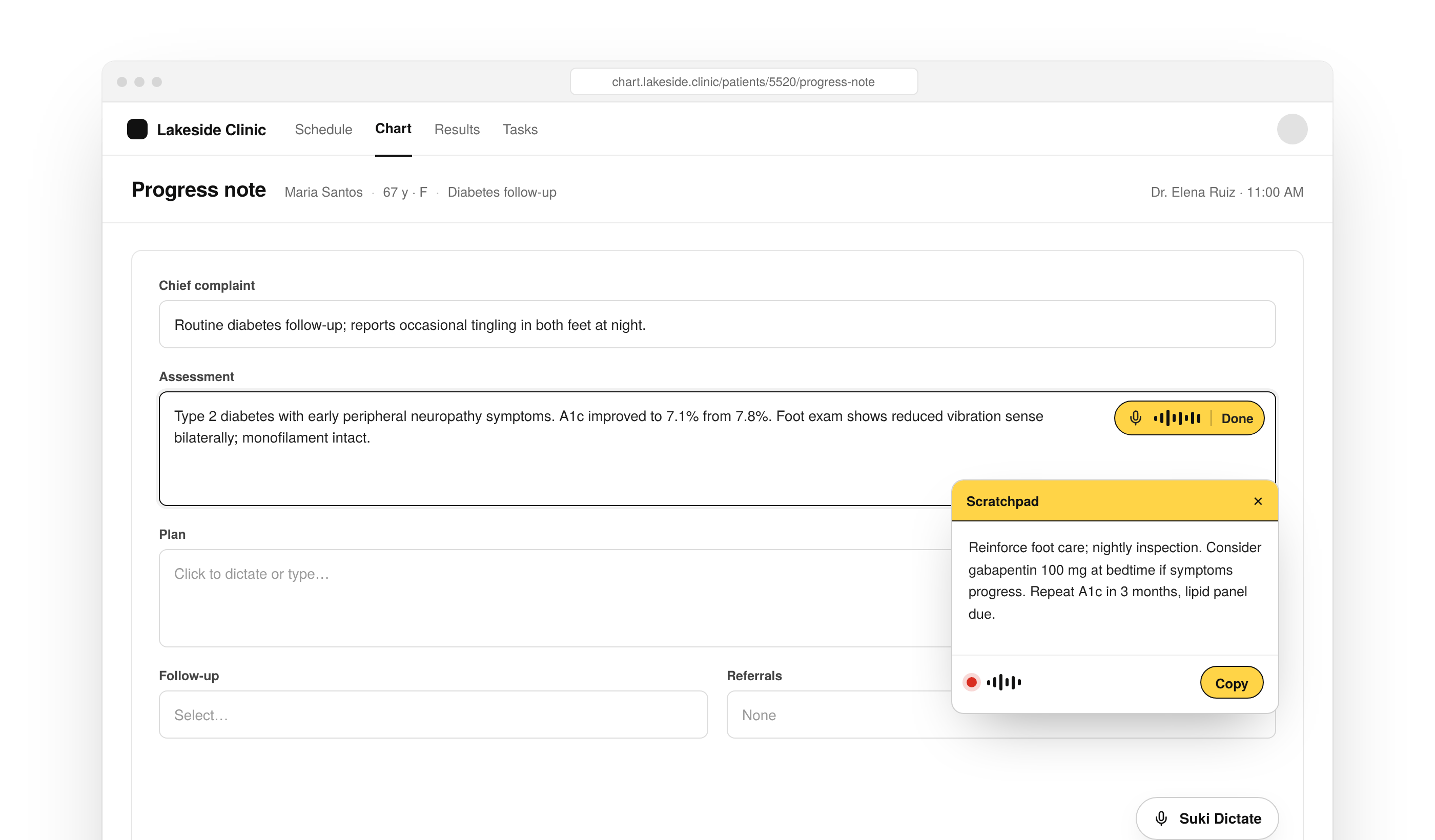
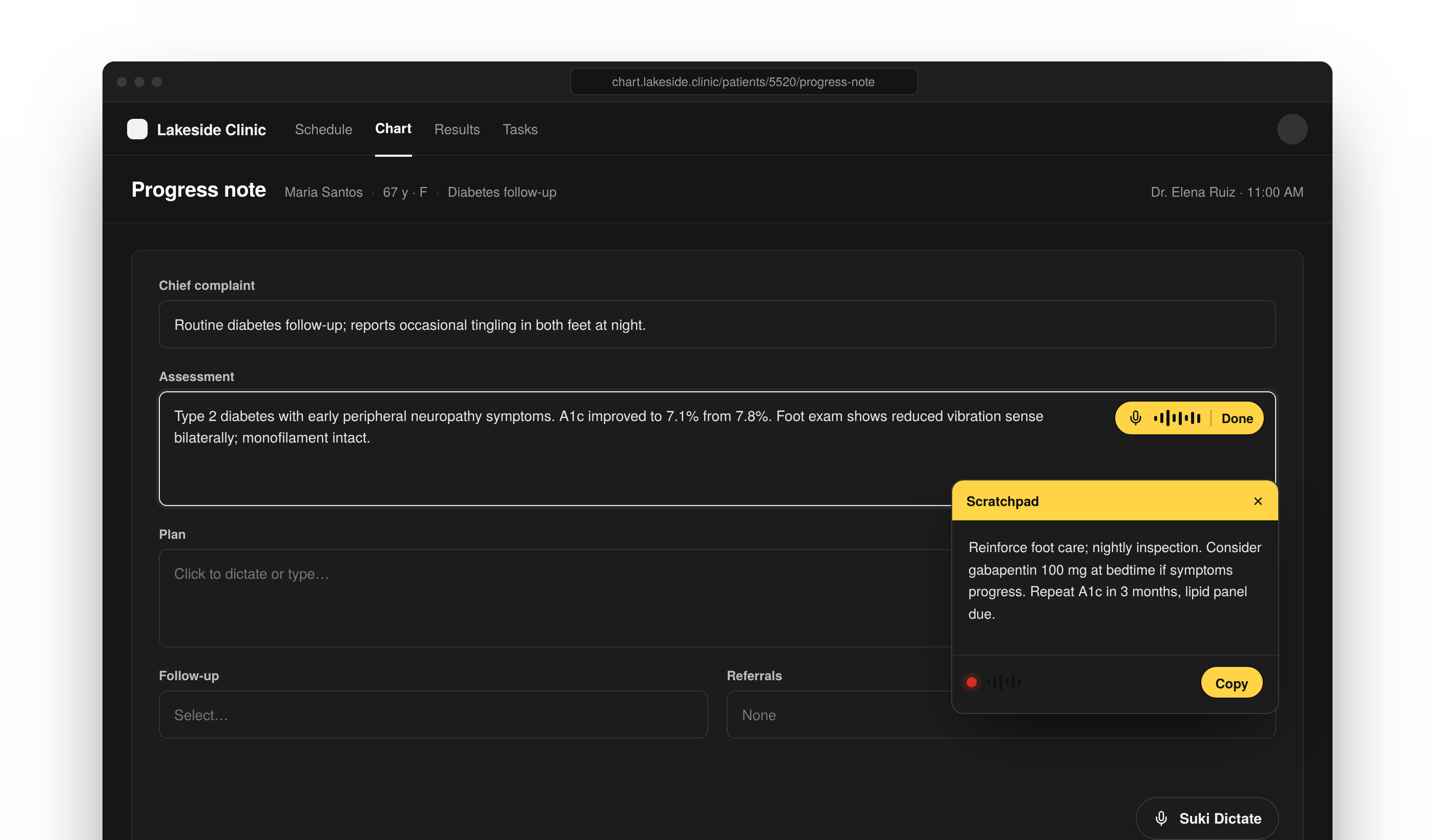
Pick the hosted Dictation experience (modes) that fits your UI. Use In-field mode if you want to dictate directly into a target input or Scratchpad mode if you want a floating panel.In-Field Mode
Dictate directly into a target field in notes or forms.
Scratchpad Mode
Use a floating Dictation panel that is not tied to one input.
Integrate Dictation SDK
Embed the SDK in JavaScript or React, then wire architecture, callbacks, and configuration for how transcripts return to your application.JavaScript Integration
Embed Dictation in vanilla JavaScript applications.
React Integration
Embed Dictation in React applications.
Architecture
Learn how your application, the SDK, sign-in, and hosted Dictation fit together.
Callbacks
Handle transcripts and session events from the Dictation SDK.
Configuration
Configure Dictation SDK options for your application.
Resources
Use these pages when you need examples, tutorials, error handling, release notes, or partner support.Configuration Examples
Browse Dictation SDK configuration examples for common setups.
Chart Field Tutorial
Build Dictation into a chart field with the Dictation SDK.
Error Handling
Handle Dictation SDK errors during authentication and recording.
FAQs
Find answers to general, integration, and technical questions.
Changelog
Track Dictation SDK releases, enhancements, and breaking changes.
Support
Contact Suki for partner documentation and SDK support.