

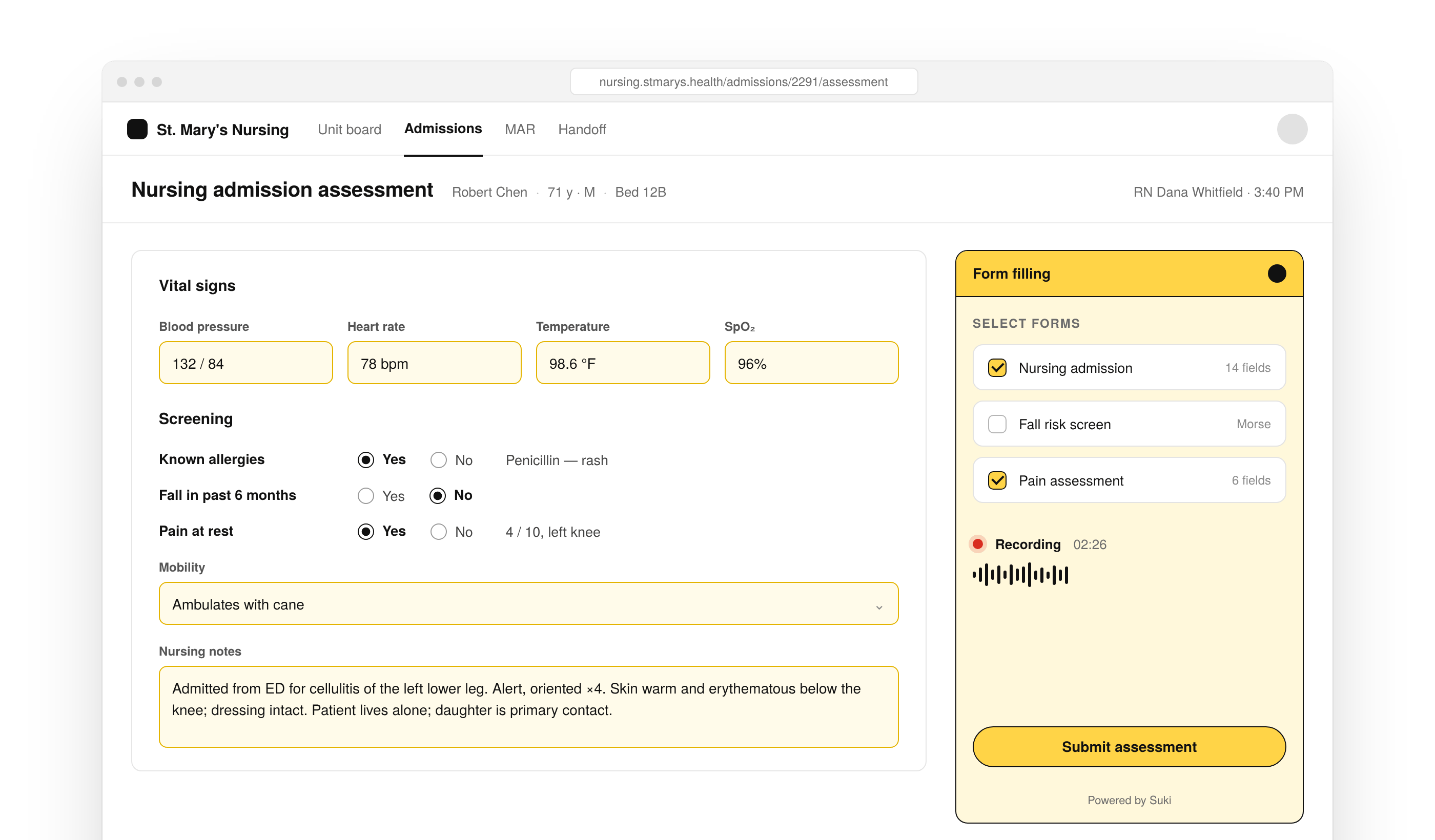
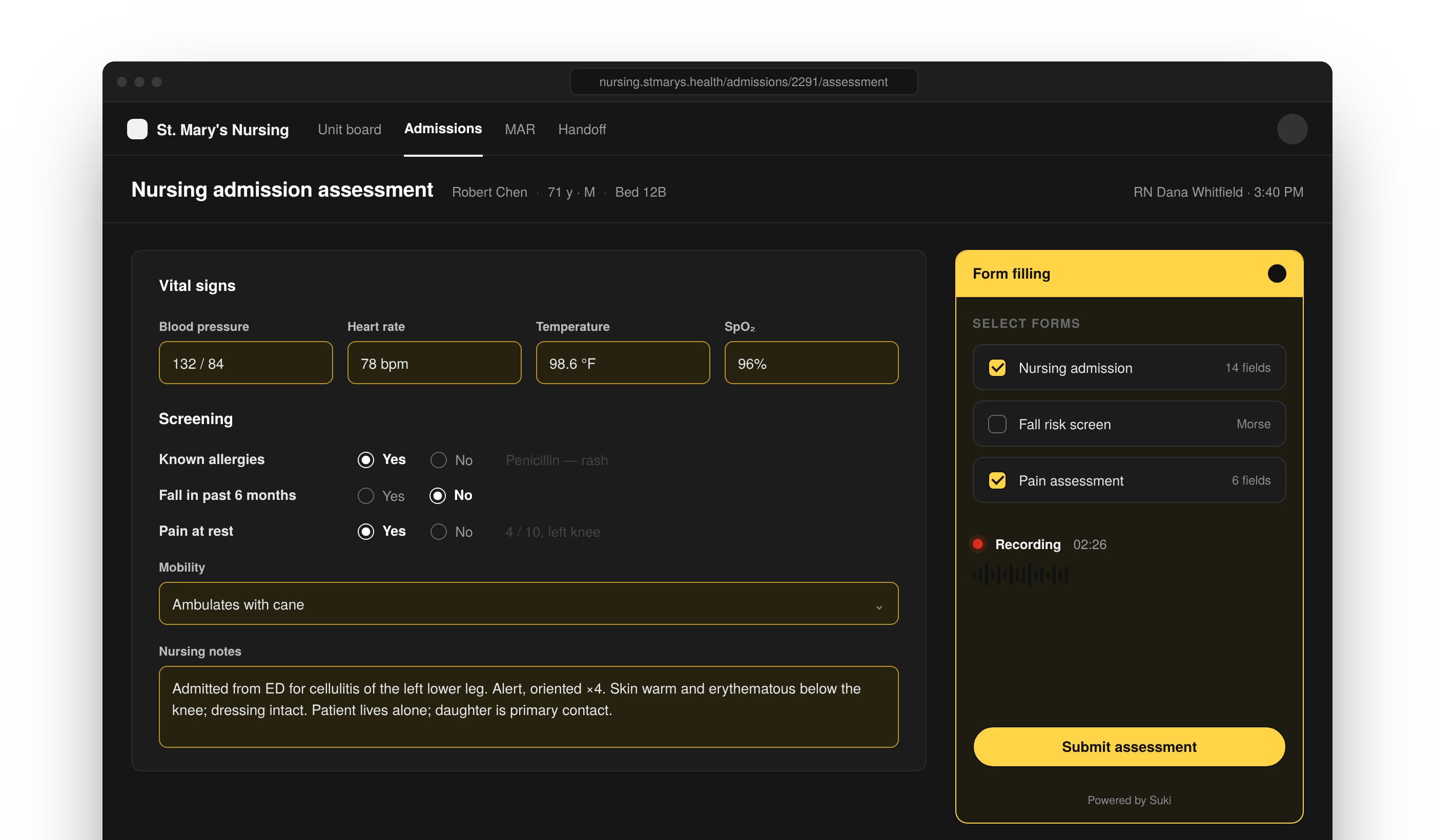
Integrate with the Suki Form filling SDK to get Suki’s ACI capabilities for voice-driven forms in a headed JavaScript and React SDK, use Form filling APIs and submit callbacks, and build structured form workflows that hand off to your EHR.
For Form filling without a hosted UI, use the Form filling API.
Get started
Confirm requirements, install the SDK, authenticate, and run your first Form filling session.Introduction
Learn how the Form filling SDK works and when to use it in your application.
Prerequisites
Confirm Partner credentials, templates, and setup requirements before you install.
Install the SDK
Install the JavaScript or React Form filling packages.
Authenticate
Learn how authentication works for Form filling SDK sessions.
Run Your First Session
Initialize, authenticate, and start a Form filling session end to end.
Choose a session type
Start with one Medical form template or pass several so the clinician can select forms in the hosted UI.Single Form
Use one template so the clinician goes straight to recording.
Multi-Form
Pass multiple templates so the clinician picks which forms to fill first.
Integrate Form filling SDK
Embed the SDK in JavaScript or React, then configure sessions and handle how structured results return to your application.Session Workflow
Learn how Form filling sessions start, run, and return structured data.
JavaScript Integration
Embed Form filling in vanilla JavaScript applications.
React Integration
Embed Form filling in React applications.
Configuration
Configure Form filling SDK options, templates, and session settings.
Callbacks
Handle submit, error, and session events from the Form filling SDK.
API references
Look up client methods, events, and contracts when you need exact Form filling SDK surfaces.API Reference Overview
Browse Form filling SDK client methods, events, and types.
FormFillingClient
Use FormFillingClient to start and control Form filling sessions.
Events
Event names and payloads the Form filling SDK emits.
Resources
Use these pages when you need examples, EHR handoff patterns, error handling, release notes, or partner support.Examples
Browse Form filling SDK examples for common integration patterns.
Form Filling Templates
Browse Suki Medical form templates for form selection, validation, and clinician workflows.
Event Handling Example
See how to handle Form filling SDK events in your application.
EHR Handoff Example
Map Form filling results into your EHR.
Webhook Handler Example
Handle Form filling results delivered through your partner webhook.
Configuration Examples
Browse Form filling SDK configuration examples for common setups.
EHR Handoff Tutorial
Build a Form filling session and hand structured results to your EHR.
Error Handling
Handle Form filling SDK errors during authentication and sessions.
FAQs
Find answers to general, integration, and technical questions.
Changelog
Track Form filling SDK releases, enhancements, and breaking changes.
Support
Contact Suki for partner documentation and SDK support.