

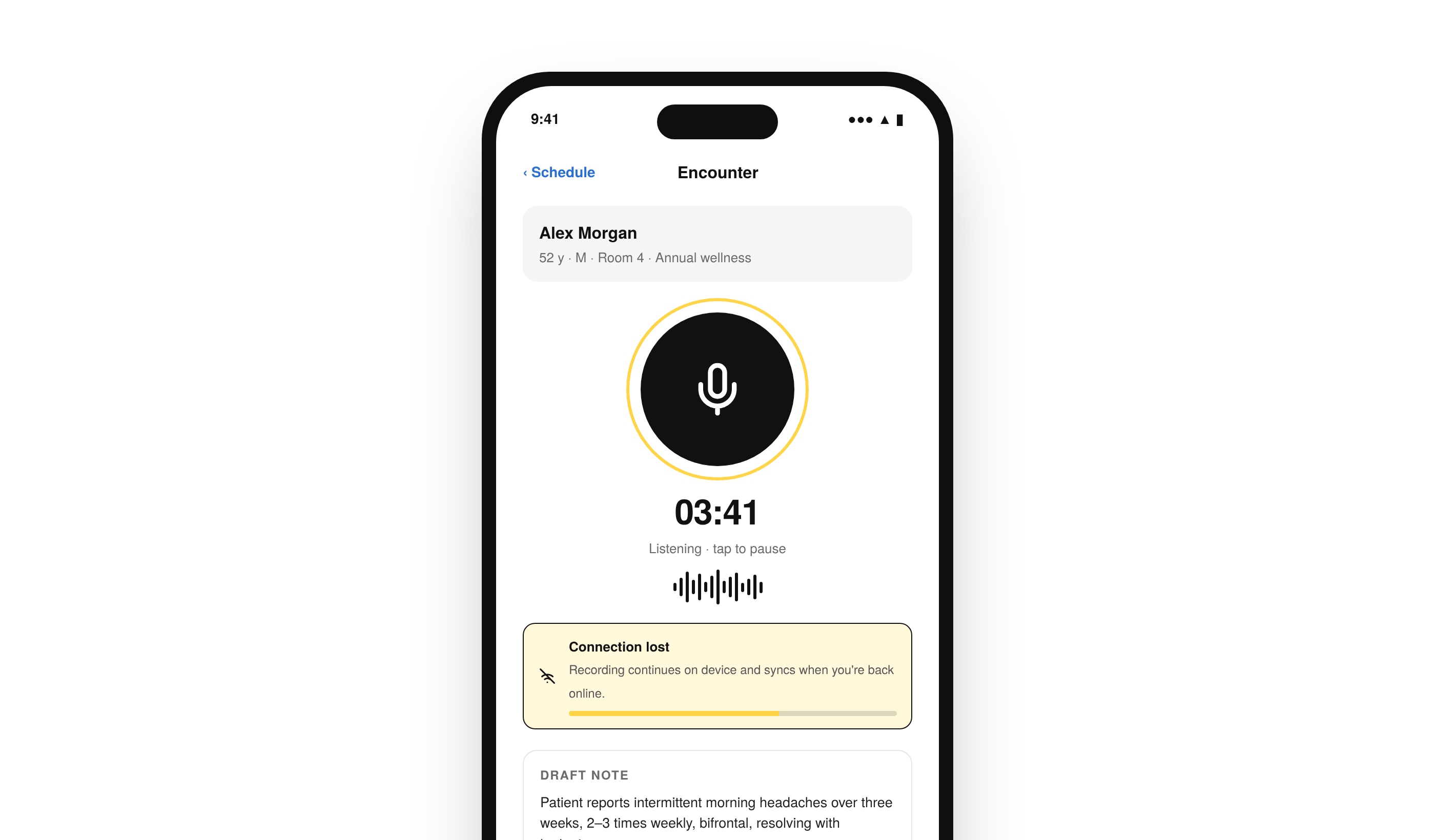
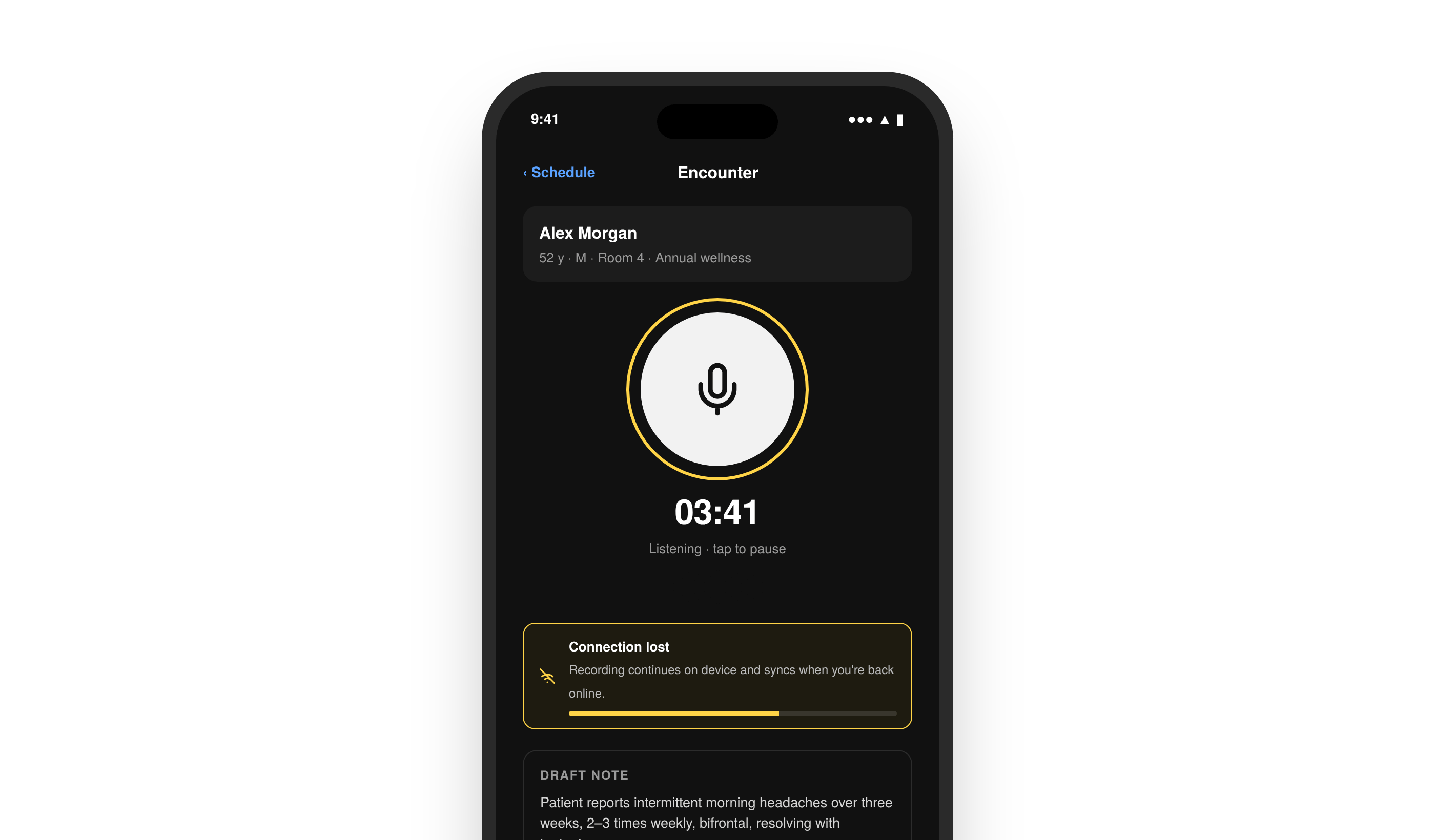
Integrate with the Suki Mobile SDK to get Suki’s ACI capabilities, such as Ambient documentation, in a headless iOS SDK, control sessions, recording, and notes from your own UI, and build mobile clinical workflows that write back to your EHR.
Get started
Confirm requirements, install the SDK, and configure it before you create an Ambient or Form filling session.Introduction
Learn how the Mobile SDK works and when to use it in your iOS application.
Capabilities
Learn what the Mobile SDK supports for sessions, notes, offline recording, and interoperability.
Prerequisites
Confirm iOS, Xcode, and Partner credential requirements before you install.
Install the SDK
Add the Mobile SDK to your iOS project.
Configure the SDK
Configure the SDK so your application can create Ambient sessions.
Integrate Mobile SDK
Follow these guides in order to create a session, record audio, handle events, retrieve notes, and clear session state.Create Session
Create an Ambient session and pass patient and encounter context.
Recording Controls
Start, pause, resume, and stop Ambient recording on device.
Session Events and Delegates
Handle session lifecycle events through Mobile SDK delegates.
Session Status and Content Retrieval
Check session status and retrieve generated notes and structured data.
Clearing Sessions
Clear Ambient session state when the encounter is complete.
Integrate Form filling
Run Form filling on iOS with the Mobile SDK. You build the form review UI while the SDK records the visit conversation and generates the structured form data.Form Filling Overview
Learn how Form filling works on the Mobile SDK and when to use it instead of Ambient.
Create Form Filling Session
Create a Form filling session and store the recording id for retrieve and feedback.
Set Context and Retrieve Results
Set templates or schemas, record the visit, and retrieve structured form data.
Mobile SDK capabilities
Add clinical context, shared notes across products, and offline recording when your iOS workflow needs them.Provide Clinical Context
Pass diagnosis and encounter context so generated notes stay aligned with the visit.
Interoperability
Continue the same clinical note across Ambient APIs, Mobile SDK, and Web SDK.
Offline Mode
Buffer audio during network interruptions and sync when connectivity returns.
Resources
Use these pages when you need error details, FAQs, release notes, or partner support.Error Messages
Find Mobile SDK error codes and how to handle them.
FAQs
Find answers to installation, session, content, offline, and troubleshooting questions.
Changelog
Track Mobile SDK releases, enhancements, and breaking changes.
Support
Contact Suki for partner documentation and SDK support.